

 MCP
Store it in Sourcebot
Sourcebot encrypts the key withAUTH_SECRET and keeps it in its database.
- If
AUTH_SECRETchanges, Sourcebot can’t decrypt the key, and the provider shows Key can’t be read. Requests to it fail until you enter the key again with Edit. They never fall back to the server’s own key or cloud identity. - To change where the provider sends requests, such as its base URL, you enter the key again.
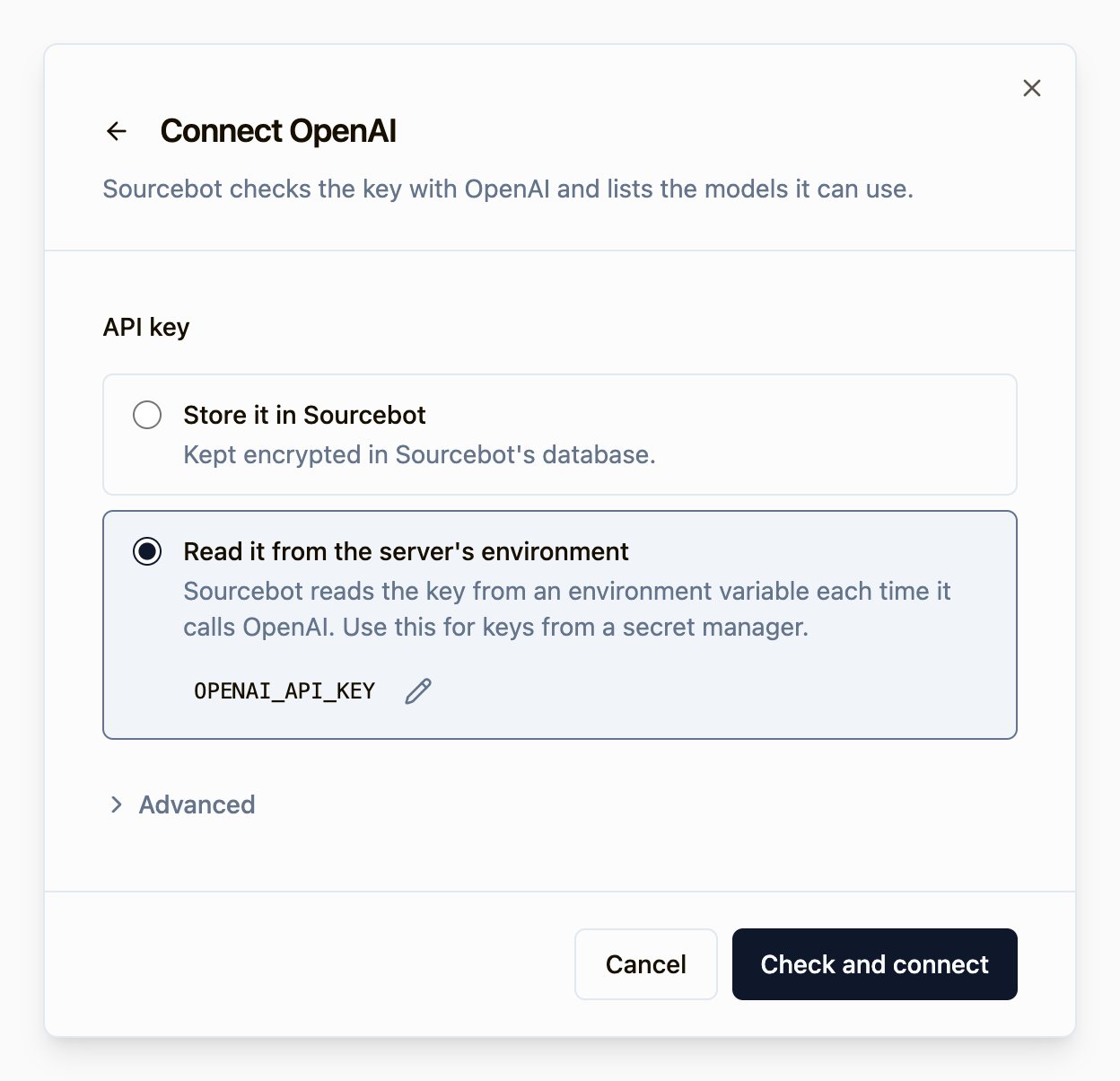
Read it from the server’s environment
Sourcebot reads the key from an environment variable on each request. Use this for keys from a secret manager.- By default, Sourcebot reads the provider’s standard variable, such as
OPENAI_API_KEY. If the server doesn’t set it, the provider shows Key not set. - To read a different variable, click the pencil next to its name. Use a name that starts with
SOURCEBOT_MODEL_KEY_. Sourcebot reads only these and the providers’ standard variables, so an owner can’t point a provider at other server secrets. - A standard variable only goes to its own provider’s API. To send a key to a gateway or another base URL, use a
SOURCEBOT_MODEL_KEY_variable or store the key.
Cloud identities
With Bedrock’s IAM role, a base URL must be a Bedrock runtime endpoint in the provider’s region, such as a VPC endpoint.
Bearer tokens
Some gateways expect the key as anAuthorization: Bearer token. For Anthropic, turn on Send the key as a bearer token under Advanced, or read the key from ANTHROPIC_AUTH_TOKEN, which Sourcebot always sends as a bearer token.