

If anonymous access is enabled, some endpoints will be accessible without a API key.
Creating an API key
Navigate to Settings → API Keys and click Create API Key. Copy the value - it is only shown once.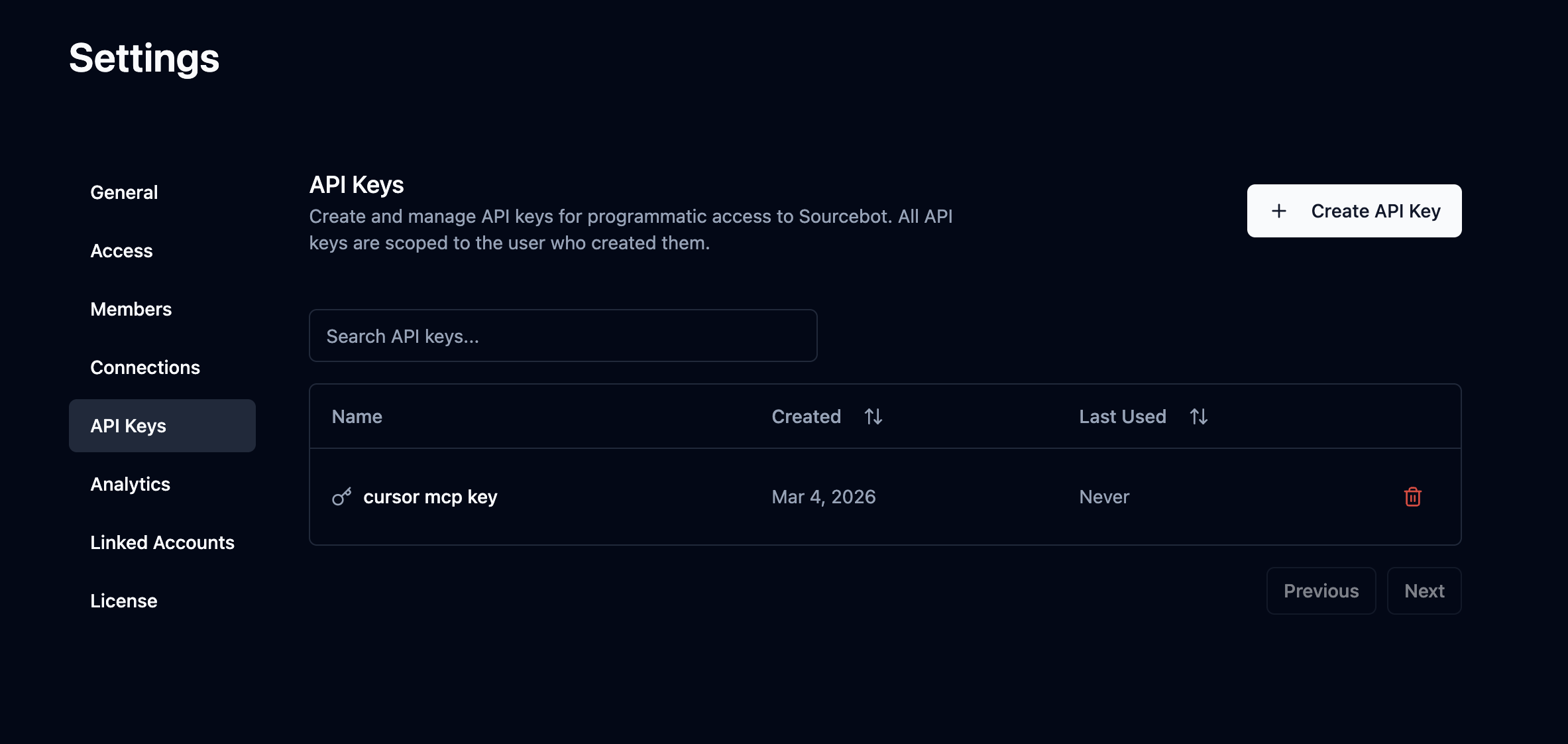
Using an API key
Pass your API key as a Bearer token in theAuthorization header on every request.
/api/search endpoint:
Using a scoped access token
The scoped access token APIs require a custom entitlement. To request access, contact team@sourcebot.dev.
GET /api/repos to find the integer id for each repository you want to include. Then create a token with a Sourcebot API key by calling POST /api/ee/scoped_access_token with those IDs:
sbst_. It expires exactly one hour after issuance, cannot be refreshed, and is returned only once. Use it as a Bearer token with public API endpoints or the Sourcebot MCP server:
id from the create response. Use it to revoke the token with your Sourcebot API key: