

 MCP
You can only connect connectors an owner has added. If the one you need isn’t listed, ask an owner to add it.
Connect a connector
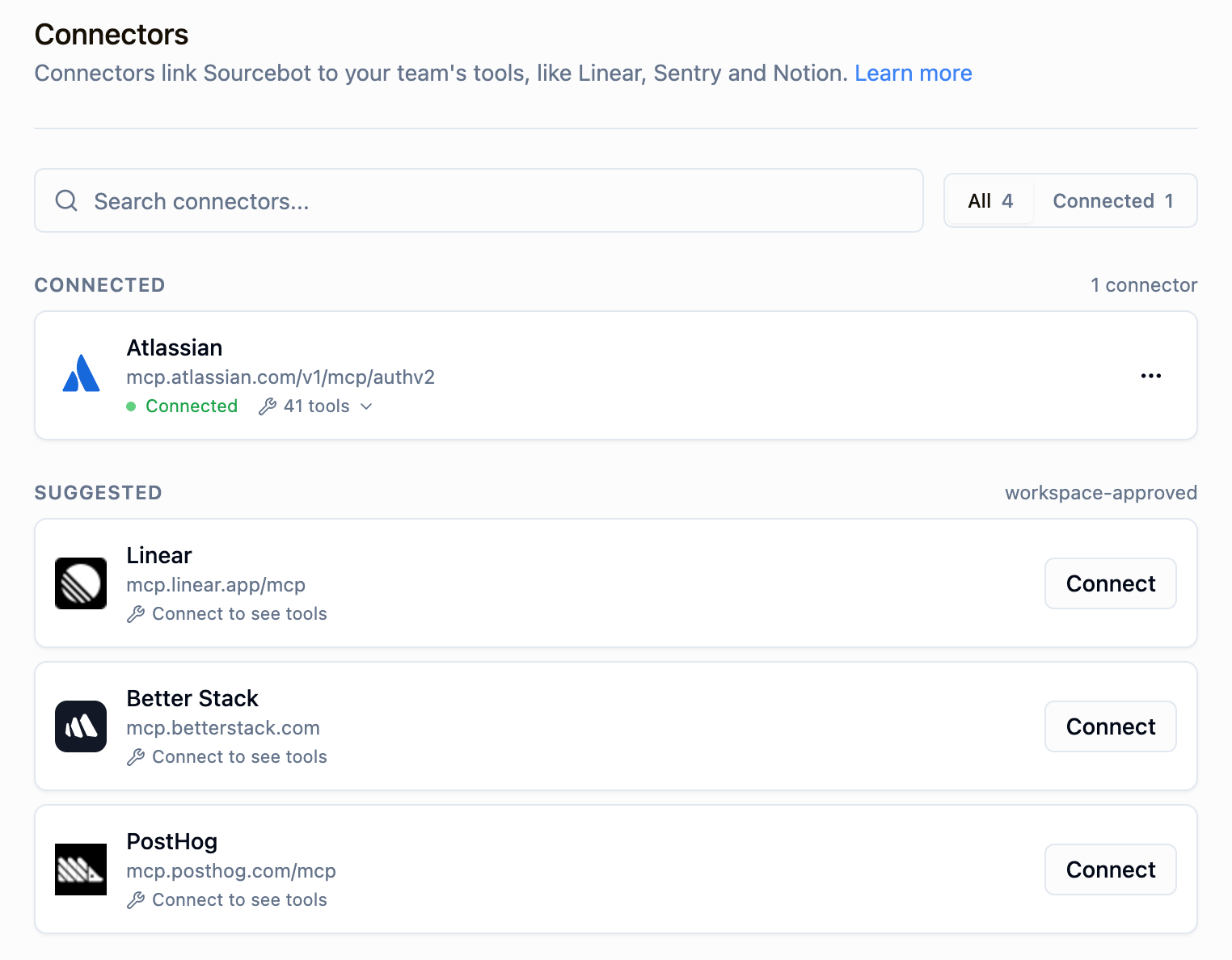
- Go to Settings → Account → Connectors. Connectors you haven’t connected yet are listed under Suggested.
- Click Connect next to the connector.
- Sign in to the service and approve the access it asks for.
When your sign-in expires
If a connector’s sign-in expires, it shows Authorization expired, and Ask Sourcebot and MCP clients ask you to reconnect it. Reconnect it in Settings → Account → Connectors.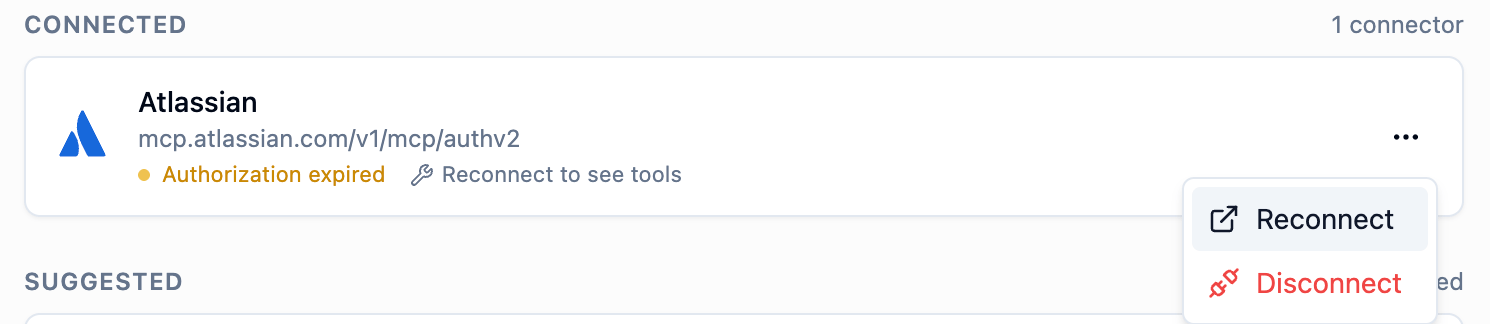
Next steps
Ask Sourcebot
Use connectors in your chats.

MCP clients
Use connectors from Claude Code, Cursor, and other MCP clients.